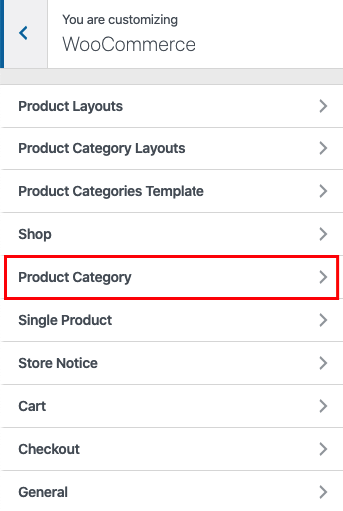
To manage the appearance of the Product category archive that lists products for a specific category, go to Appearance -> Customize -> Theme Options -> WooCommerce -> Product category.
Product category display settings
The same as for products, you have the options to change display settings for each show separately, if you need a different layout for different shows. In your admin panel, go to Products-> Categories to access the separate options per each category which represents a show.

Product category featured images
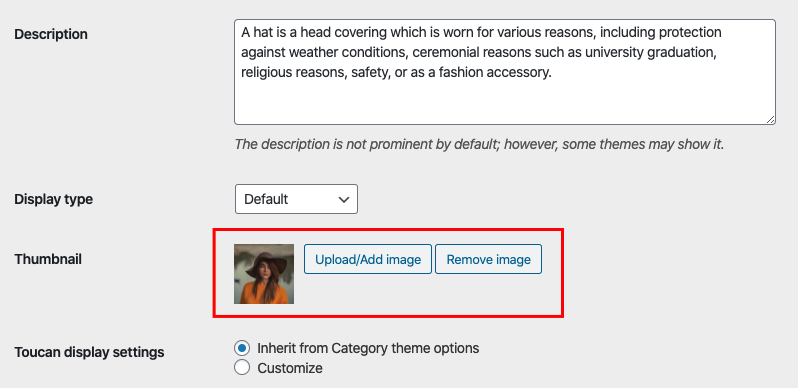
One of the additional features is the ability to choose a featured image for each category which may be shown in specific category layouts. There is a simple option provided for each category on its edit screen: