

Navigate to Appearance -> Knowledge Guru Setup Wizard as shown in the image below.
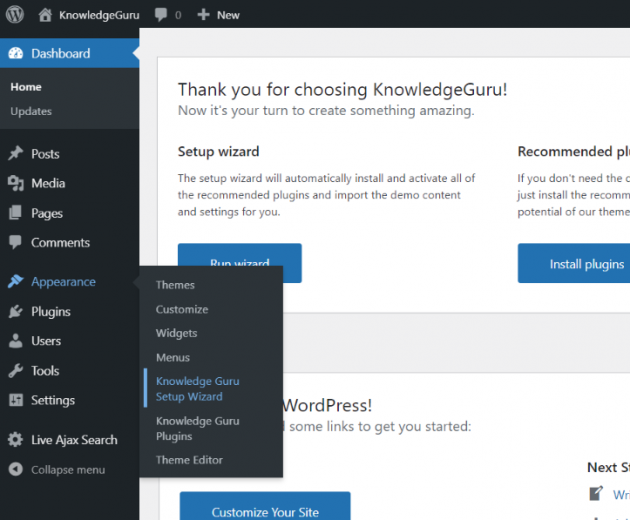
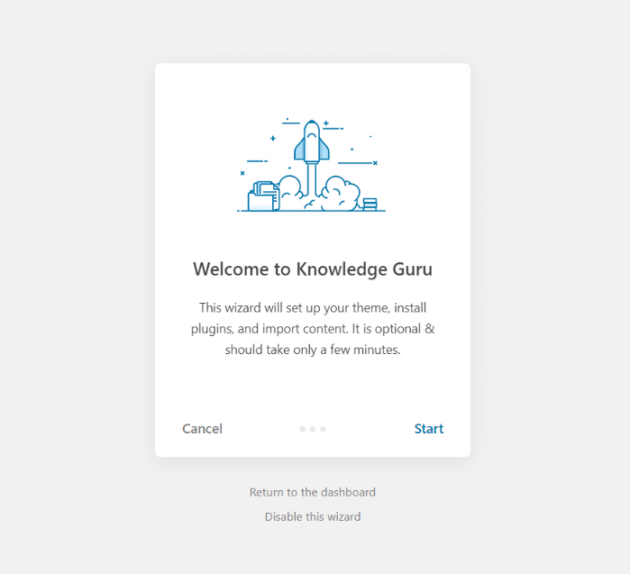
The setup wizard will guide you and automatically install our recommended plugins and import the demo content and settings in a few simple steps. You can start customizing from that point.
Info: Please note that the images from our demo website(s) are not included in the demo content so you will get the placeholder images instead.